Precision instruments for the machine on your desk.
Hardware readings on your Stream Deck keys and dials, with a plugin for Windows and one for Mac. No ads, no telemetry, MIT licensed.
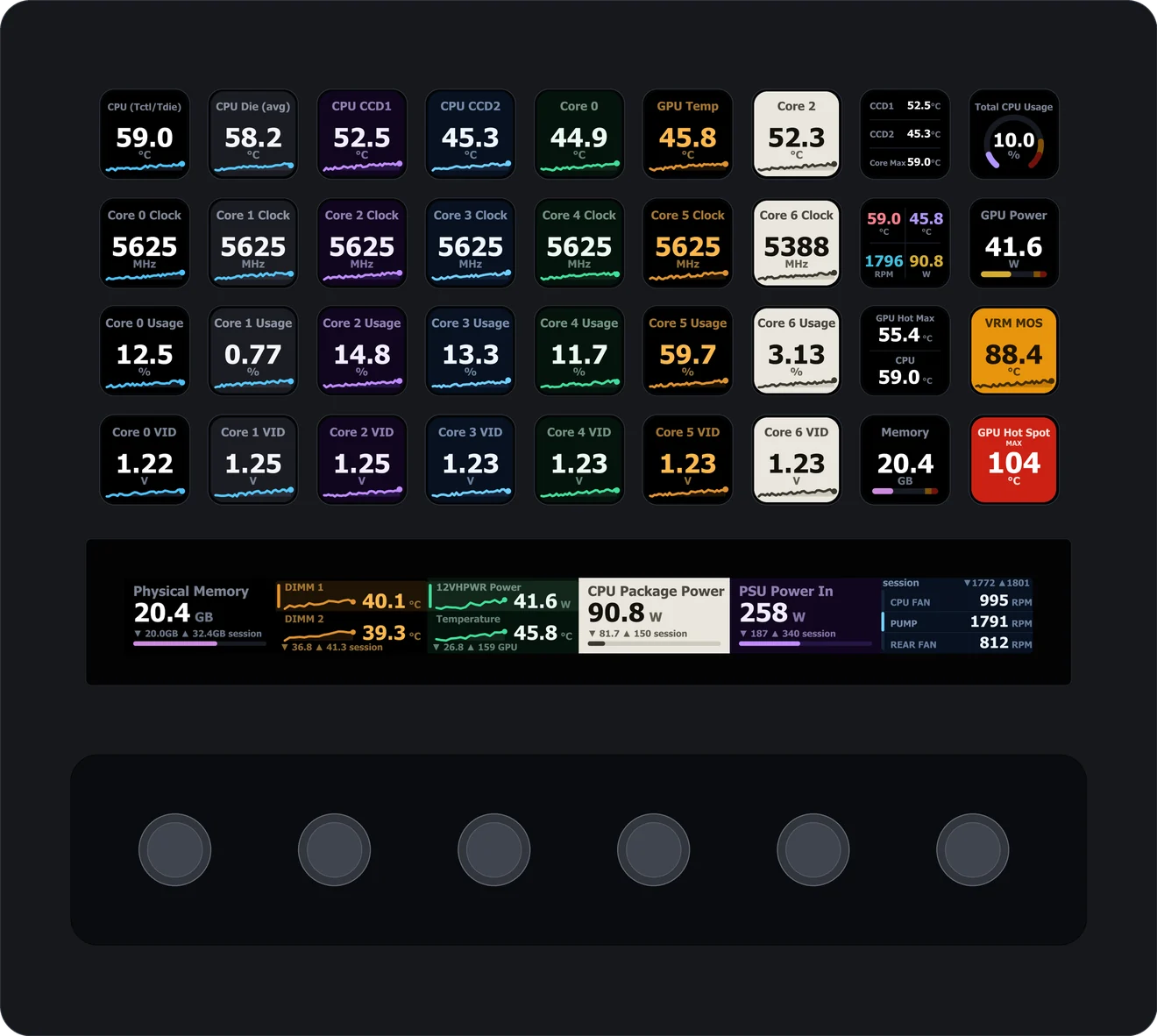
Readings for the machine you use
HWiNFO Sensors
Put CPU and GPU temperature, clock speeds, fan RPM, usage and power on your keys and dials.
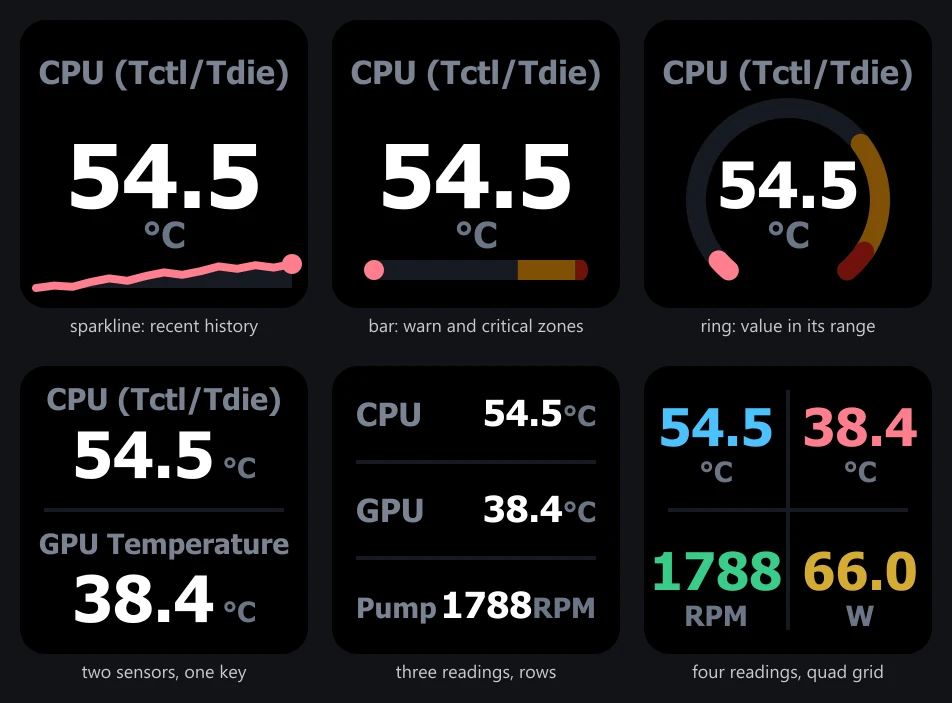
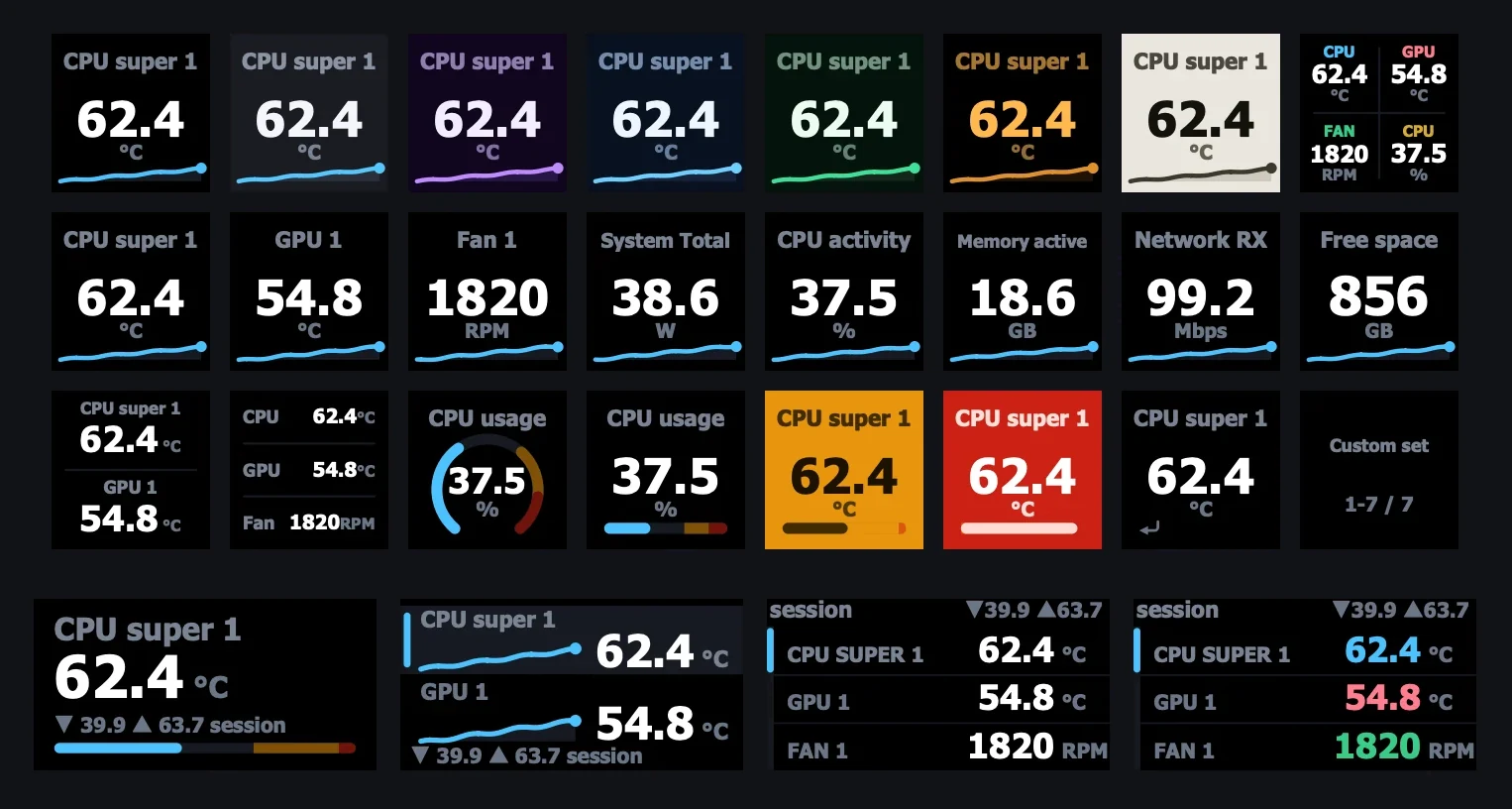
- KeysOne reading per key with a sparkline, bar or ring, or up to four readings on one key. A press cycles MIN, MAX and AVG, or opens a detail page.
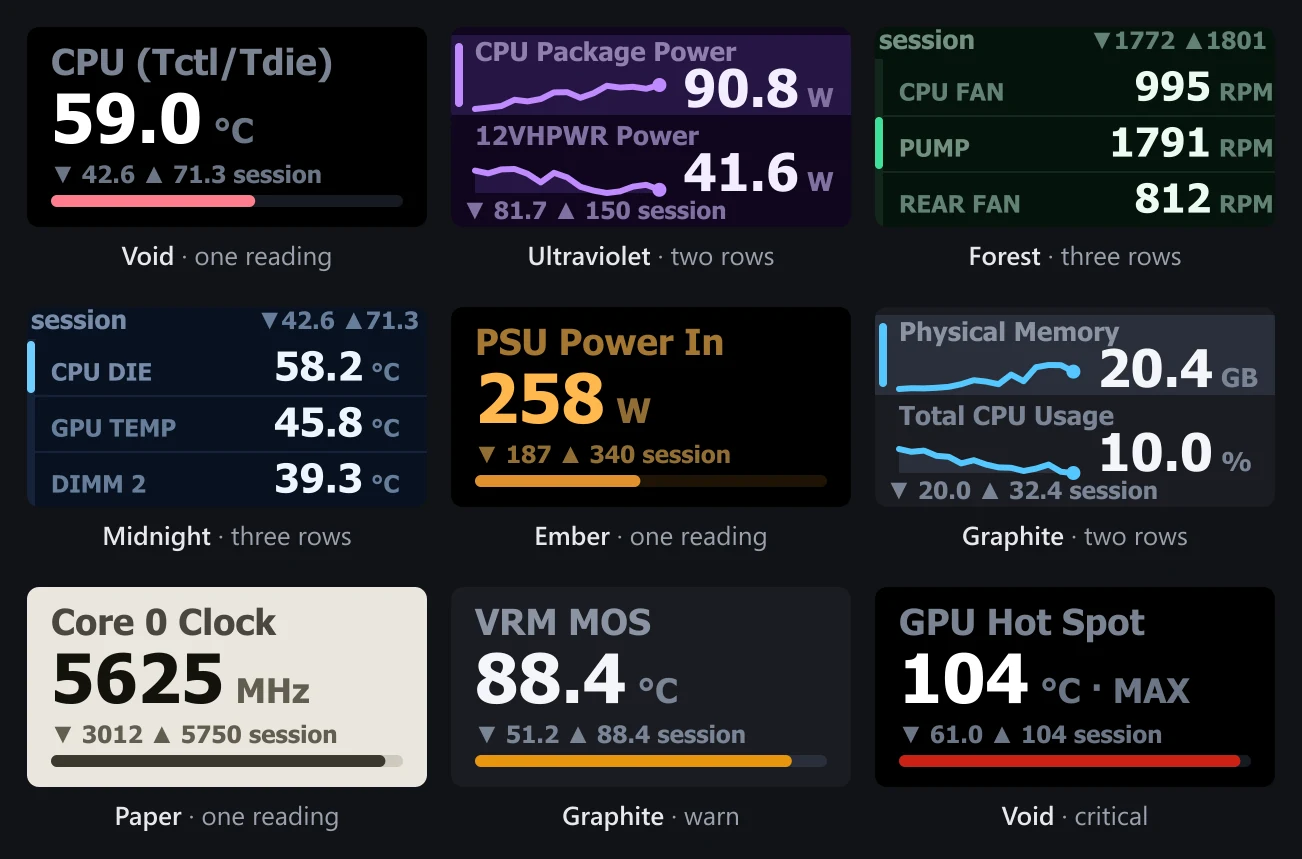
- DialsStream Deck + and Stream Deck + XL: one reading, two rows or three. Rotate through readings, touch to cycle stats, push to reset the session. Hardware compatibility
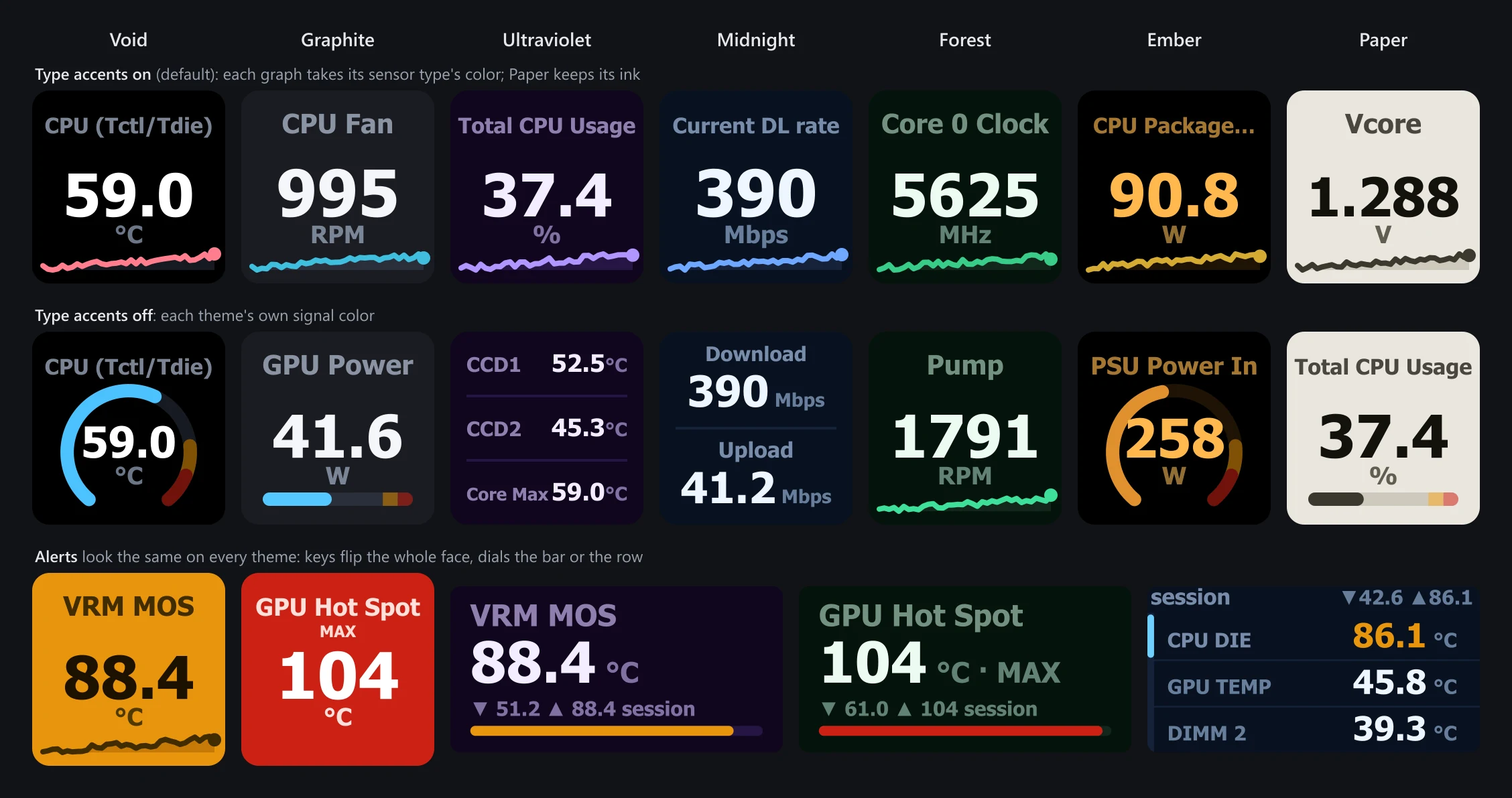
- DisplaySeven themes. Amber warn and red critical alerts look the same on every one.
- StatusWhen HWiNFO stops publishing, keys say so with a screen that names the problem and its fix.
- PrivacyNo ads, no telemetry and no network requests. Its only connection is the local one to the Stream Deck app.
- RequiresWindows 10 or later (x64), Stream Deck 6.9+ and HWiNFO. Free, MIT licensed. Version 1.8.0
- Install the plugin from the Elgato Marketplace or GitHub Releases.
- Run HWiNFO (free or Pro) and tick Shared Memory Support in its Settings.
- Drag Sensor Reading onto a key and pick a sensor.
Free HWiNFO switches Shared Memory off after 12 hours. Its Gadget reporting has no time limit, and Data sources explains how the plugin uses both. HWiNFO is a separate free program by REALiX; this plugin does not bundle it.
Mac Sensors
Put your Mac's temperatures, fan speeds, power, CPU activity, memory, storage and network on your keys and dials.
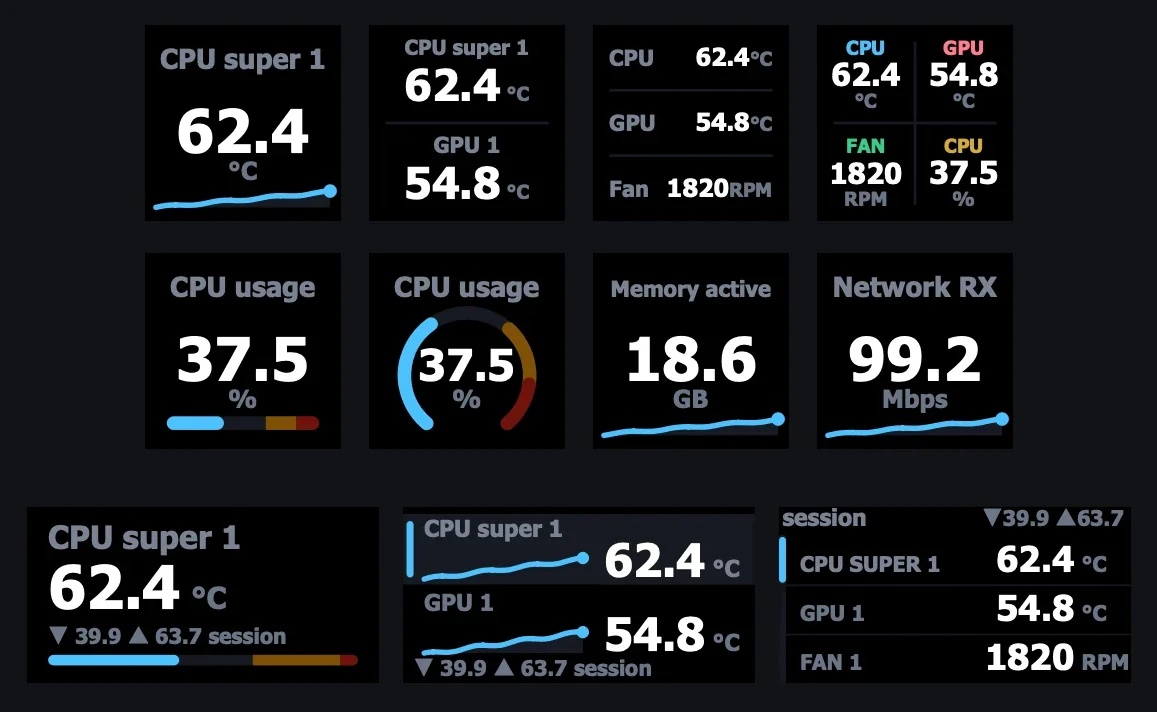
- KeysOne reading per key with a sparkline, bar or ring, or two, three or four readings on one key. A press cycles MIN, MAX and AVG.
- DialsStream Deck + and Stream Deck + XL: one reading, two rows or three. A Sensor Control key steers dials from anywhere. Hardware compatibility
- DetailsA key press opens a page of related readings and returns with a Back tile.
- DisplaySeven themes. Amber warn and red critical alerts look the same on every one.
- Read-onlyNo fan control, no administrator password, no helper app.
- RequiresmacOS 13.5+ on Apple silicon or Intel, and Stream Deck 7.1+. Free, MIT licensed. Version 1.0.2
- Install the plugin from the Elgato Marketplace or GitHub Releases.
- Check for Tahoma Bold. It ships with macOS; if a key says Tahoma needed, turn it on in Font Book.
- Drag Sensor Reading onto a key and pick a reading from this Mac's list.
Which readings appear depends on the Mac and its macOS version. Measured on an Apple silicon M5 Pro; the Intel reader has run on hosted test machines, not yet on a physical Intel Mac.
Principles
- No adsNothing on screen you did not ask for.
- No telemetryNothing about you or your machine is sent to me. Neither plugin makes a network request.
- Open sourceEvery line is on GitHub. Read it, audit it, or build it yourself.
- Lean and efficientPolling stops when no reading key or dial is on screen. Measurements are in PERF.md.
Built by one person, on purpose.
I am slawrensen, an independent developer. I build small tools for people who care how their machines run.
HWiNFO Sensors is a ground-up TypeScript rewrite on Elgato's official SDK, inspired by the original Go-based plugin by @shayne: no code shared, credits in NOTICE.md.
Questions, bugs, or ideas go through GitHub Issues for Mac Sensors or HWiNFO Sensors.